Configuration View
The Configuration View provides management of Kubernetes configuration resources including ConfigMaps, Secrets, and autoscaling settings.
Overview
Navigate to Workloads > Configuration to access:
- ConfigMaps - Configuration data storage
- Secrets - Sensitive data and credentials
- HPA - Horizontal Pod Autoscalers
- VPA - Vertical Pod Autoscalers
ConfigMaps
ConfigMaps store non-confidential configuration data as key-value pairs.
Viewing ConfigMaps
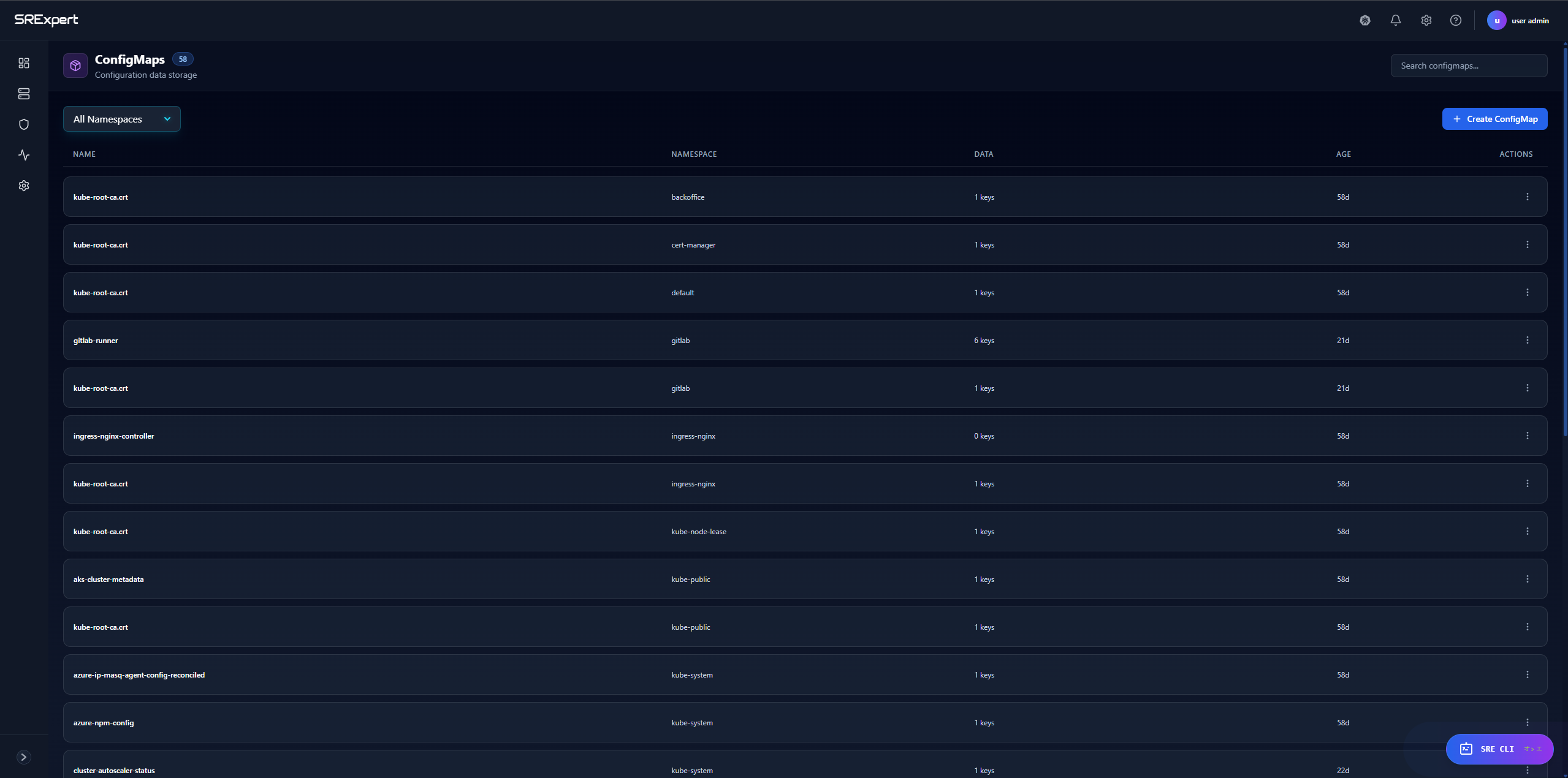
Navigate to Workloads > Configuration > ConfigMaps.
| Column | Description |
|---|---|
| Name | ConfigMap name |
| Namespace | Kubernetes namespace |
| Data | Number of keys stored |
| Age | Time since creation |
| Actions | View, Edit, Delete |
Creating a ConfigMap
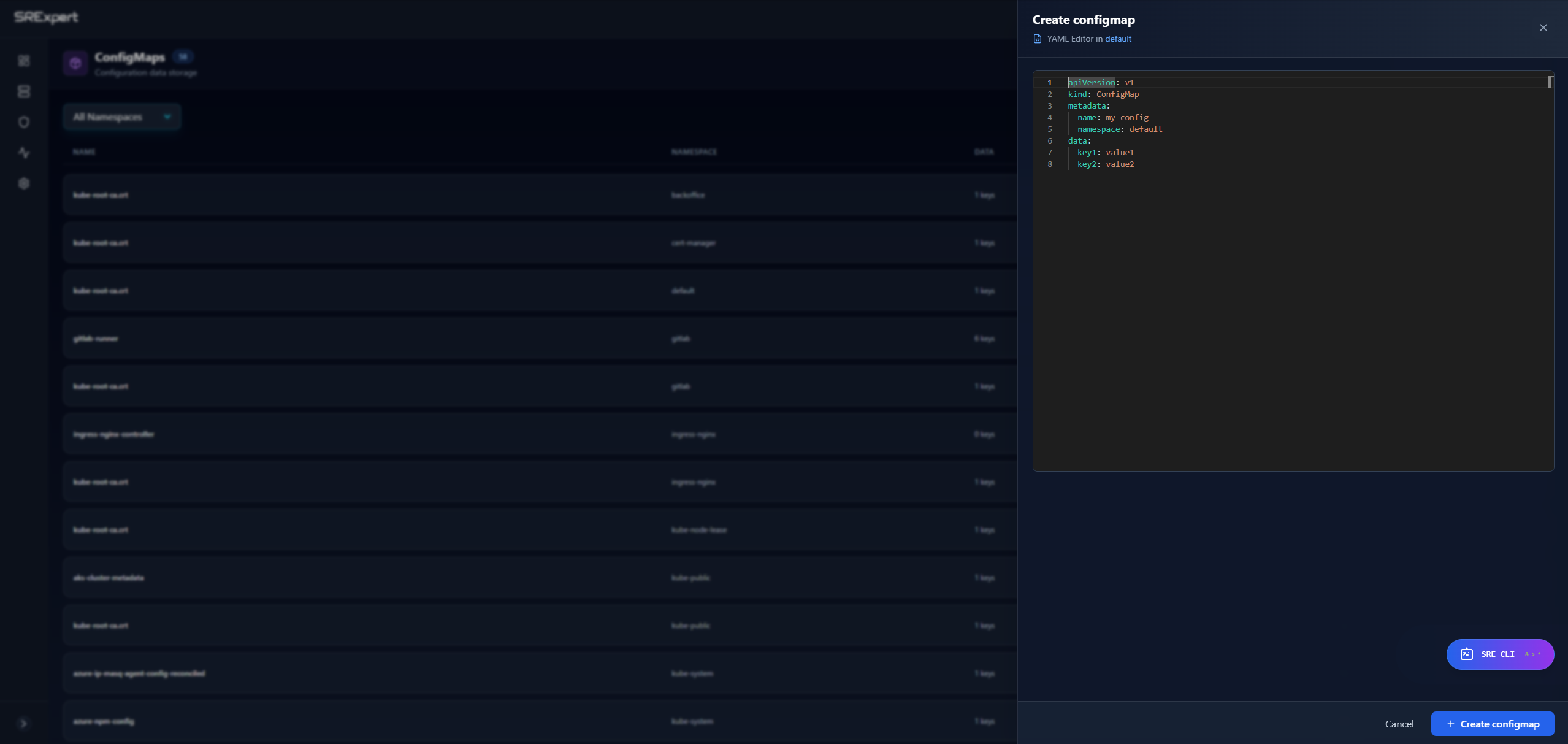
- Click + Create ConfigMap
- Select the target namespace
- Enter the ConfigMap name
- Add key-value pairs or paste YAML
- Click Create
ConfigMap Actions
| Action | Description |
|---|---|
| View | See ConfigMap data and YAML |
| Edit | Modify key-value pairs |
| Delete | Remove the ConfigMap |
Use Cases
- Application configuration files
- Environment variables
- Command-line arguments
- Configuration scripts
Secrets
Secrets store sensitive data such as passwords, tokens, and certificates.
Viewing Secrets
Navigate to Workloads > Configuration > Secrets.
| Column | Description |
|---|---|
| Name | Secret name |
| Namespace | Kubernetes namespace |
| Type | Secret type (Opaque, docker-registry, TLS, etc.) |
| Data | Number of keys stored |
| Age | Time since creation |
| Actions | View, Edit, Delete |
Secret Types
| Type | Description |
|---|---|
Opaque | Generic secret (default) |
kubernetes.io/dockerconfigjson | Docker registry credentials |
kubernetes.io/tls | TLS certificates |
kubernetes.io/service-account-token | Service account tokens |
helm.sh/release.v1 | Helm release metadata |
Creating a Secret
- Click + Create Secret
- Select the target namespace
- Choose the secret type
- Enter key-value pairs (values are base64 encoded automatically)
- Click Create
Security Notes
- Secret values are displayed masked by default
- Click to reveal individual values
- Avoid storing secrets in ConfigMaps
- Consider using external secret management (Vault, AWS Secrets Manager)
HPA (Horizontal Pod Autoscaler)
HPA automatically scales the number of pod replicas based on observed metrics.
Viewing HPAs
Navigate to Workloads > Configuration > HPA.
| Column | Description |
|---|---|
| Name | HPA name |
| Namespace | Kubernetes namespace |
| Reference | Target workload (Deployment, StatefulSet) |
| Min | Minimum replica count |
| Max | Maximum replica count |
| Replicas | Current replica count |
| Age | Time since creation |
Creating an HPA
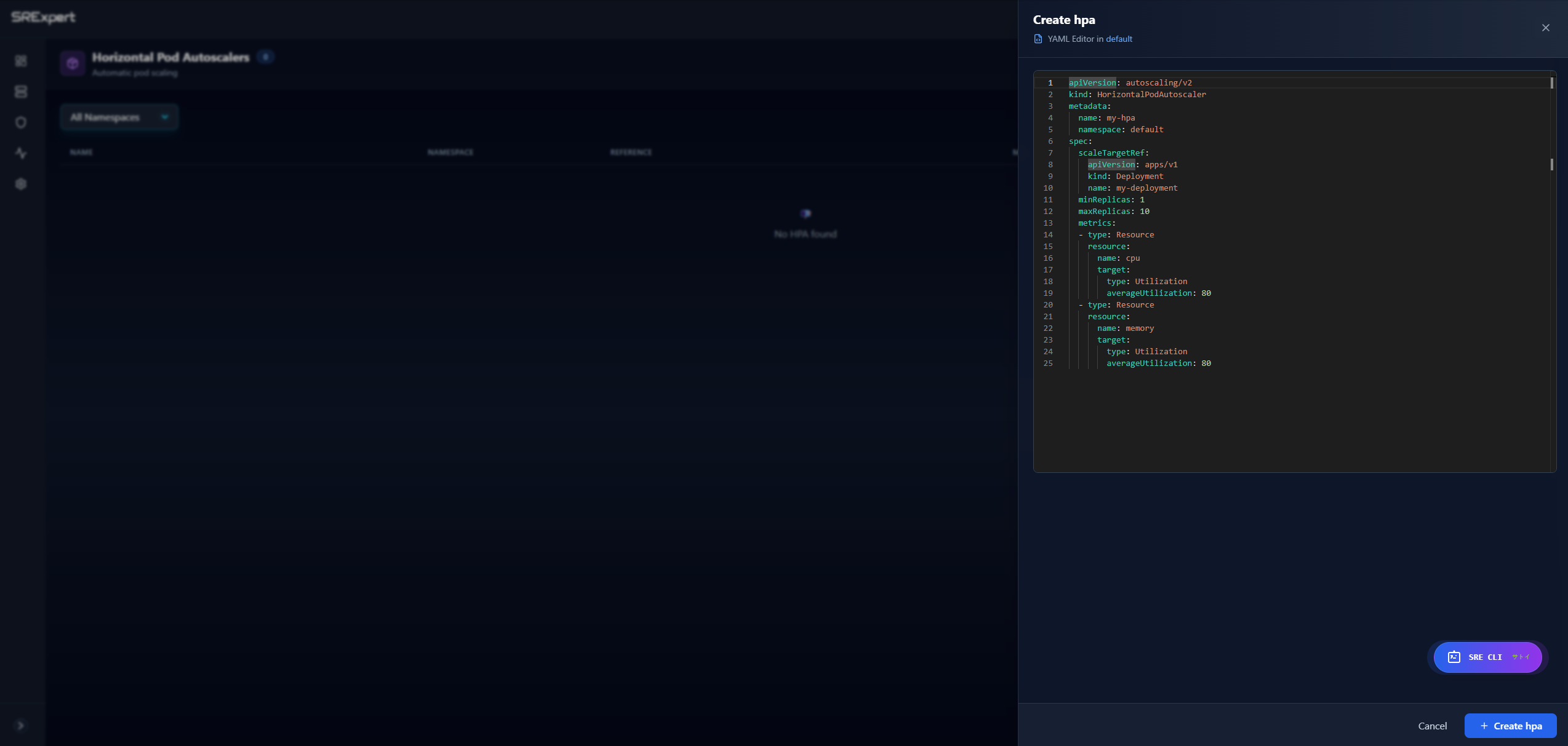
- Click + Create HPA
- Select the target namespace
- Choose the target workload (Deployment or StatefulSet)
- Set minimum and maximum replicas
- Configure scaling metrics:
- CPU utilization percentage
- Memory utilization percentage
- Custom metrics
- Click Create
HPA Configuration
| Parameter | Description |
|---|---|
| minReplicas | Minimum number of replicas |
| maxReplicas | Maximum number of replicas |
| targetCPUUtilization | CPU threshold to trigger scaling |
| targetMemoryUtilization | Memory threshold to trigger scaling |
Example HPA YAML
apiVersion: autoscaling/v2
kind: HorizontalPodAutoscaler
metadata:
  name: my-app-hpa
  namespace: production
spec:
  scaleTargetRef:
    apiVersion: apps/v1
    kind: Deployment
    name: my-app
  minReplicas: 2
  maxReplicas: 10
  metrics:
  - type: Resource
    resource:
      name: cpu
      target:
        type: Utilization
        averageUtilization: 70
VPA (Vertical Pod Autoscaler)
VPA automatically adjusts CPU and memory requests/limits for containers.
Prerequisites
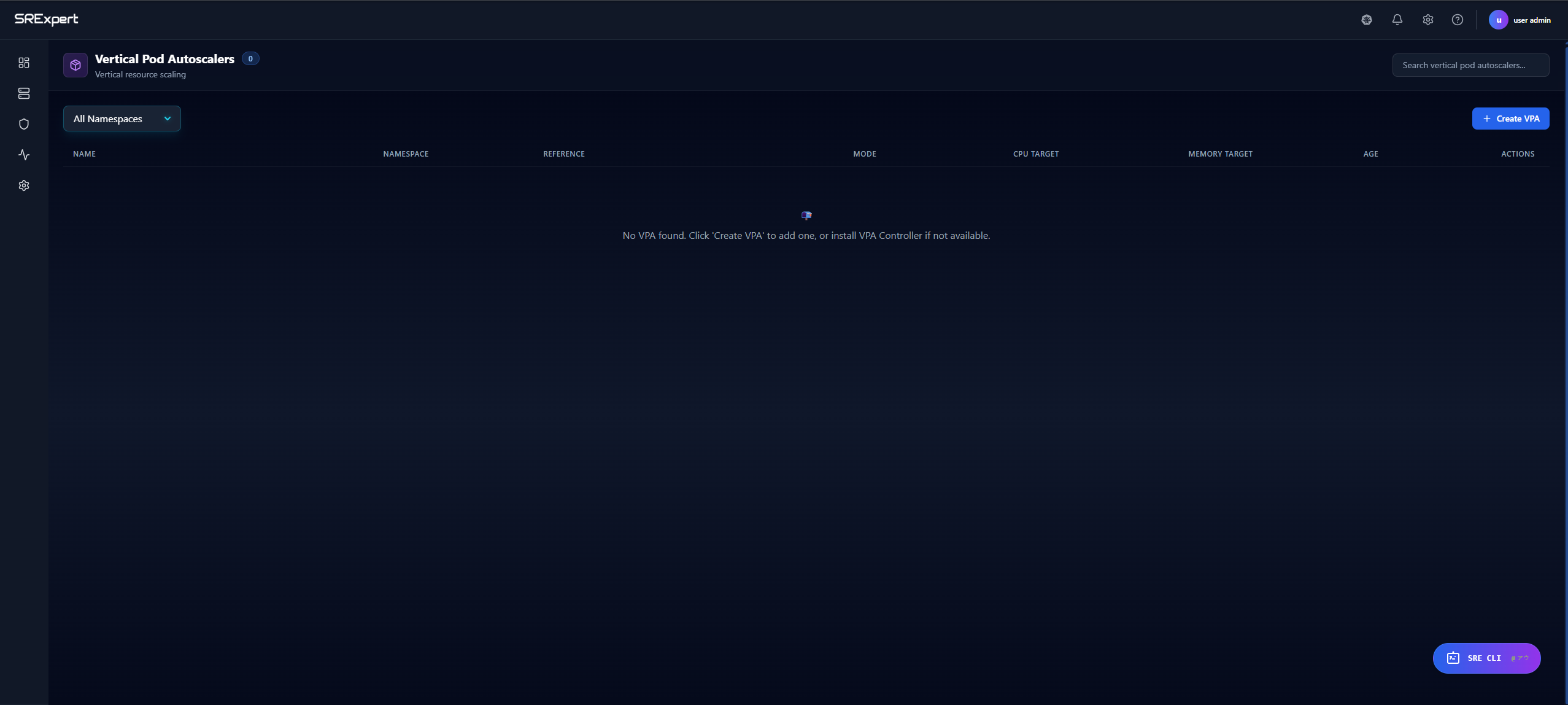
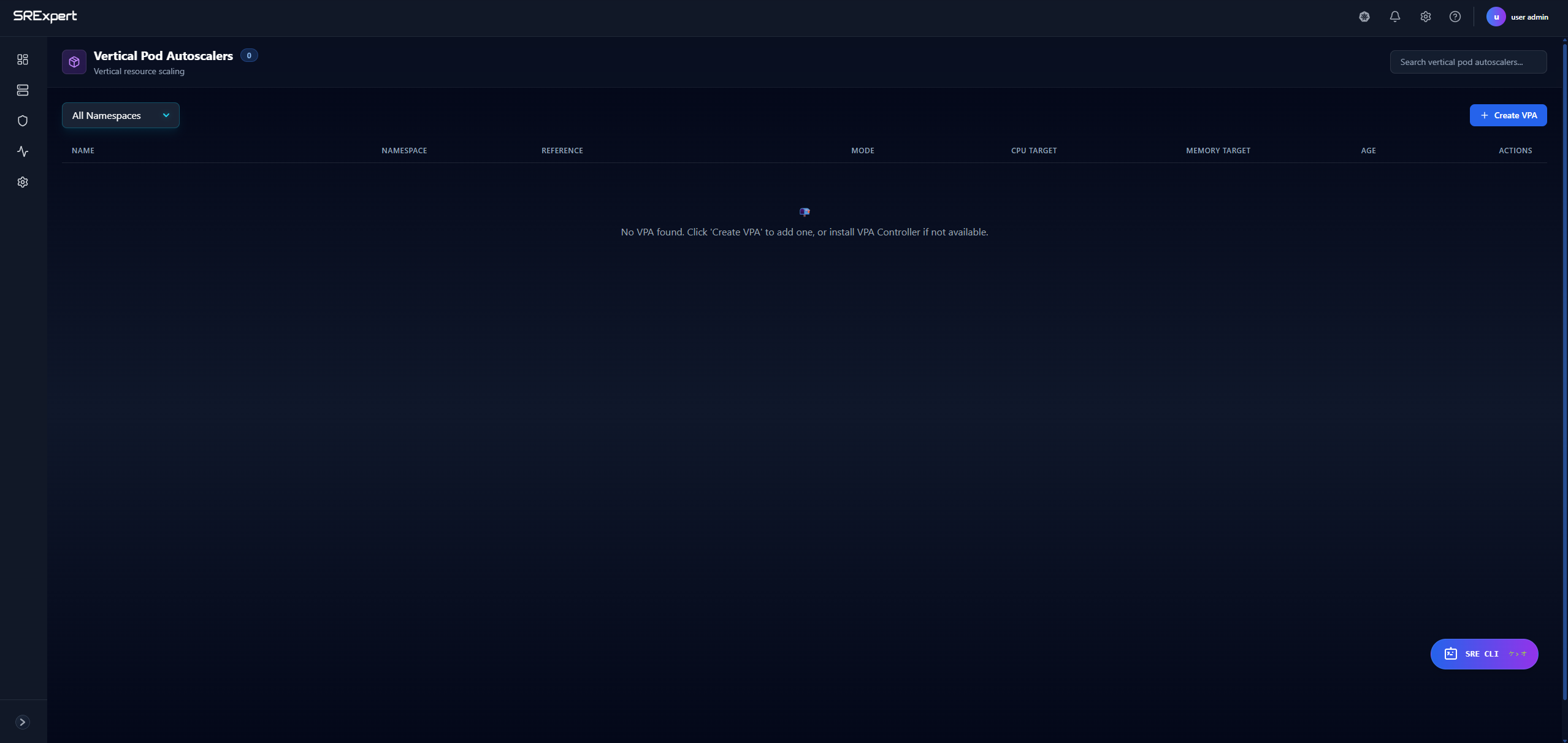
VPA requires the VPA Controller to be installed in your cluster. If not installed, you’ll see a message prompting installation.
Viewing VPAs
Navigate to Workloads > Configuration > VPA.
| Column | Description |
|---|---|
| Name | VPA name |
| Namespace | Kubernetes namespace |
| Reference | Target workload |
| Mode | Update mode (Off, Initial, Auto) |
| CPU Target | Recommended CPU |
| Memory Target | Recommended memory |
| Age | Time since creation |
VPA Modes
| Mode | Description |
|---|---|
| Off | Only provides recommendations, no changes applied |
| Initial | Applies recommendations only at pod creation |
| Auto | Automatically updates running pods (may cause restarts) |
Creating a VPA
- Click + Create VPA
- Select the target namespace
- Choose the target workload
- Select the update mode
- Configure resource policies (optional)
- Click Create
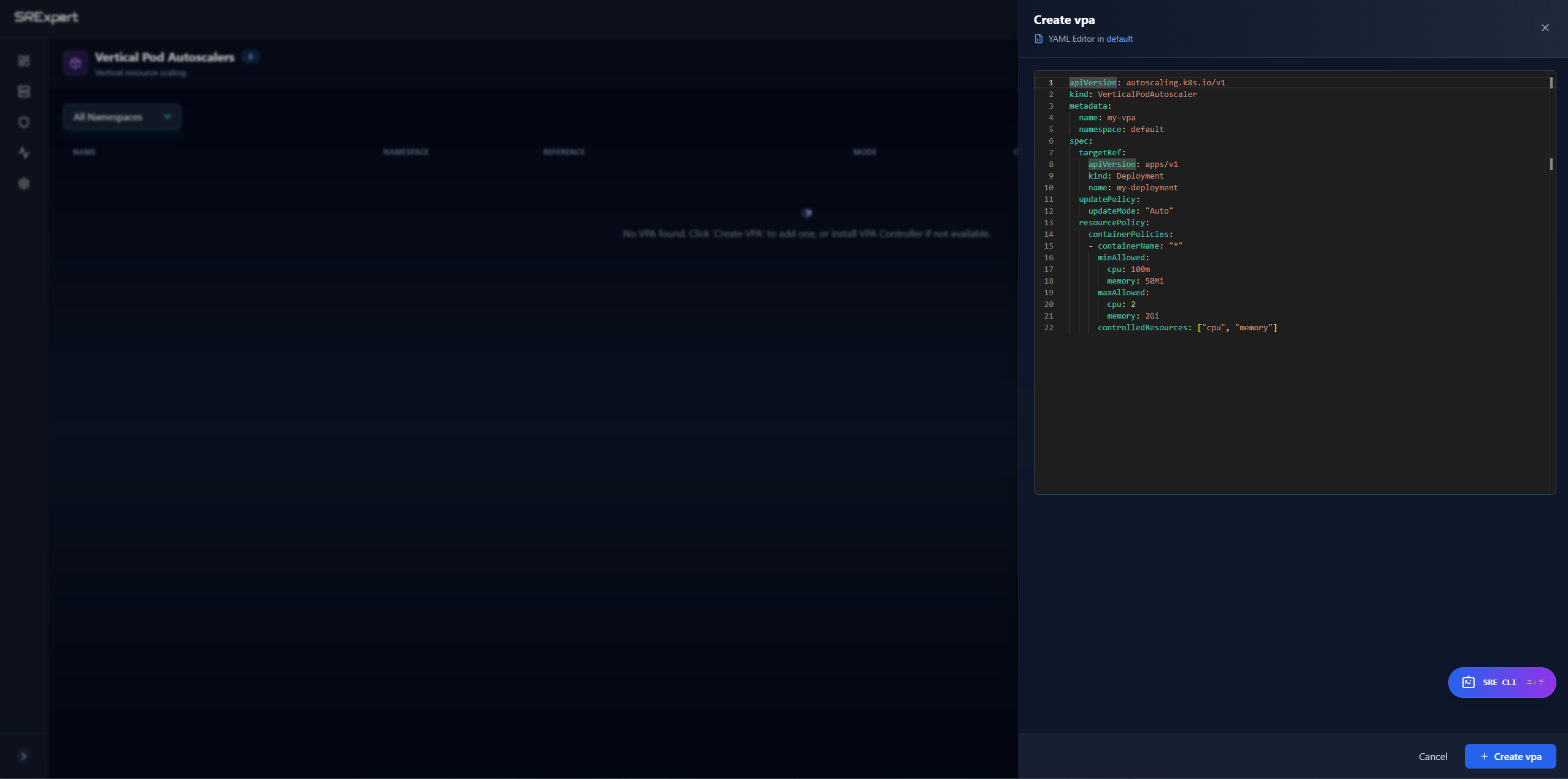
Example VPA YAML
apiVersion: autoscaling.k8s.io/v1
kind: VerticalPodAutoscaler
metadata:
  name: my-app-vpa
  namespace: production
spec:
  targetRef:
    apiVersion: apps/v1
    kind: Deployment
    name: my-app
  updatePolicy:
    updateMode: "Auto"
  resourcePolicy:
    containerPolicies:
    - containerName: "*"
      minAllowed:
        cpu: 100m
        memory: 128Mi
      maxAllowed:
        cpu: 2
        memory: 4Gi
Filtering and Search
All configuration views support:
- Namespace filter - Select specific namespace or view all
- Search - Filter by name
- Pagination - Navigate through large lists
Best Practices
ConfigMaps
- Use descriptive names that indicate the application and purpose
- Keep ConfigMaps small and focused
- Use separate ConfigMaps for different environments
- Version ConfigMaps when configuration changes
Secrets
- Rotate secrets regularly
- Use RBAC to restrict secret access
- Enable encryption at rest in your cluster
- Audit secret access with logging
Autoscaling
- Start with conservative min/max values
- Monitor scaling events before production
- Use HPA for stateless workloads
- Use VPA to right-size resource requests
- Avoid using HPA and VPA together on the same metric
Next Steps
- Workloads View - Manage deployments and pods
- Monitoring - Monitor resource usage
- Security View - Security scanning and compliance