Purchase License
SRExpert offers different plans to meet your needs.
How to Purchase
1. Access Settings
In the sidebar, go to Settings > Billing or License.
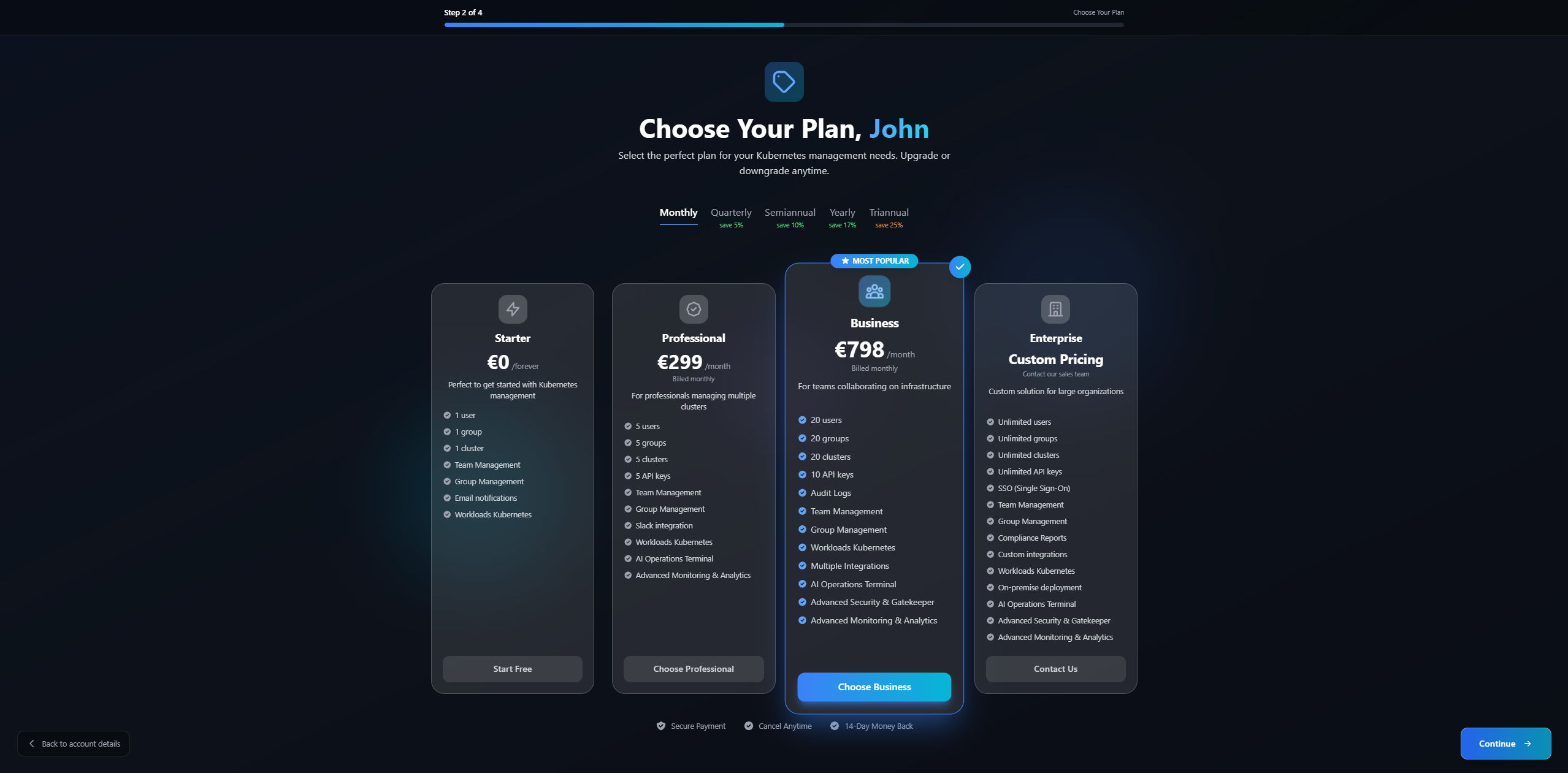
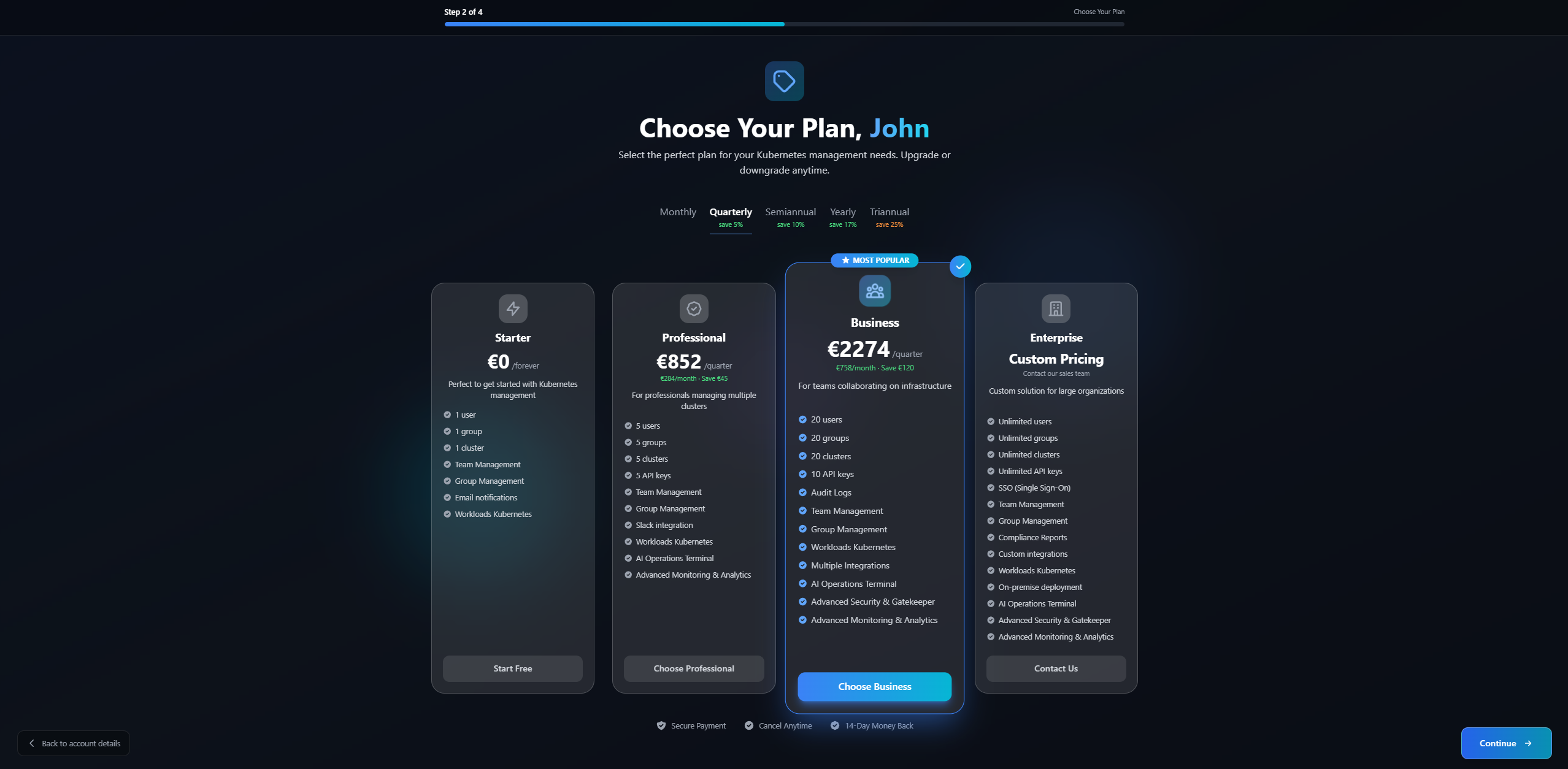
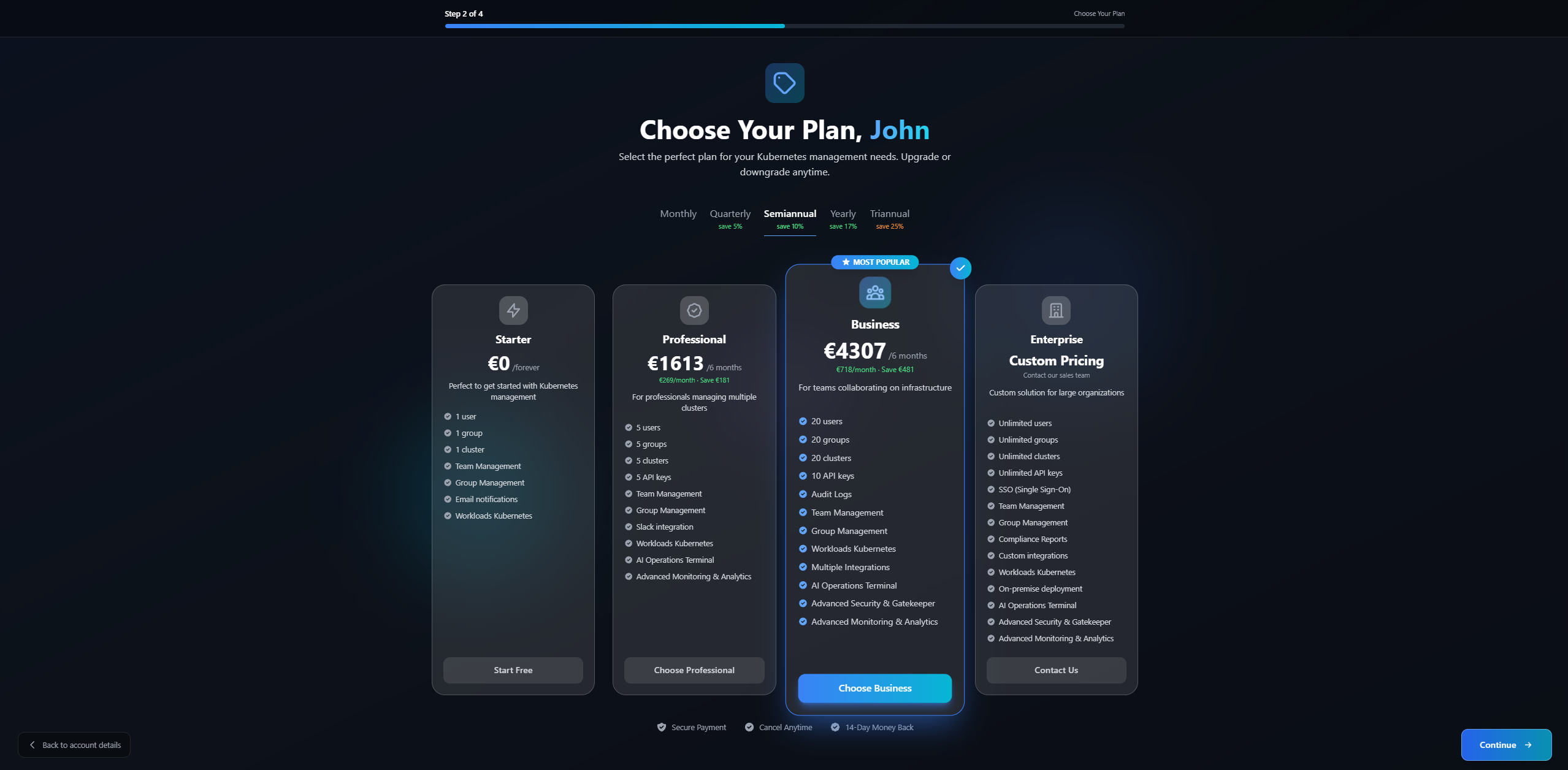
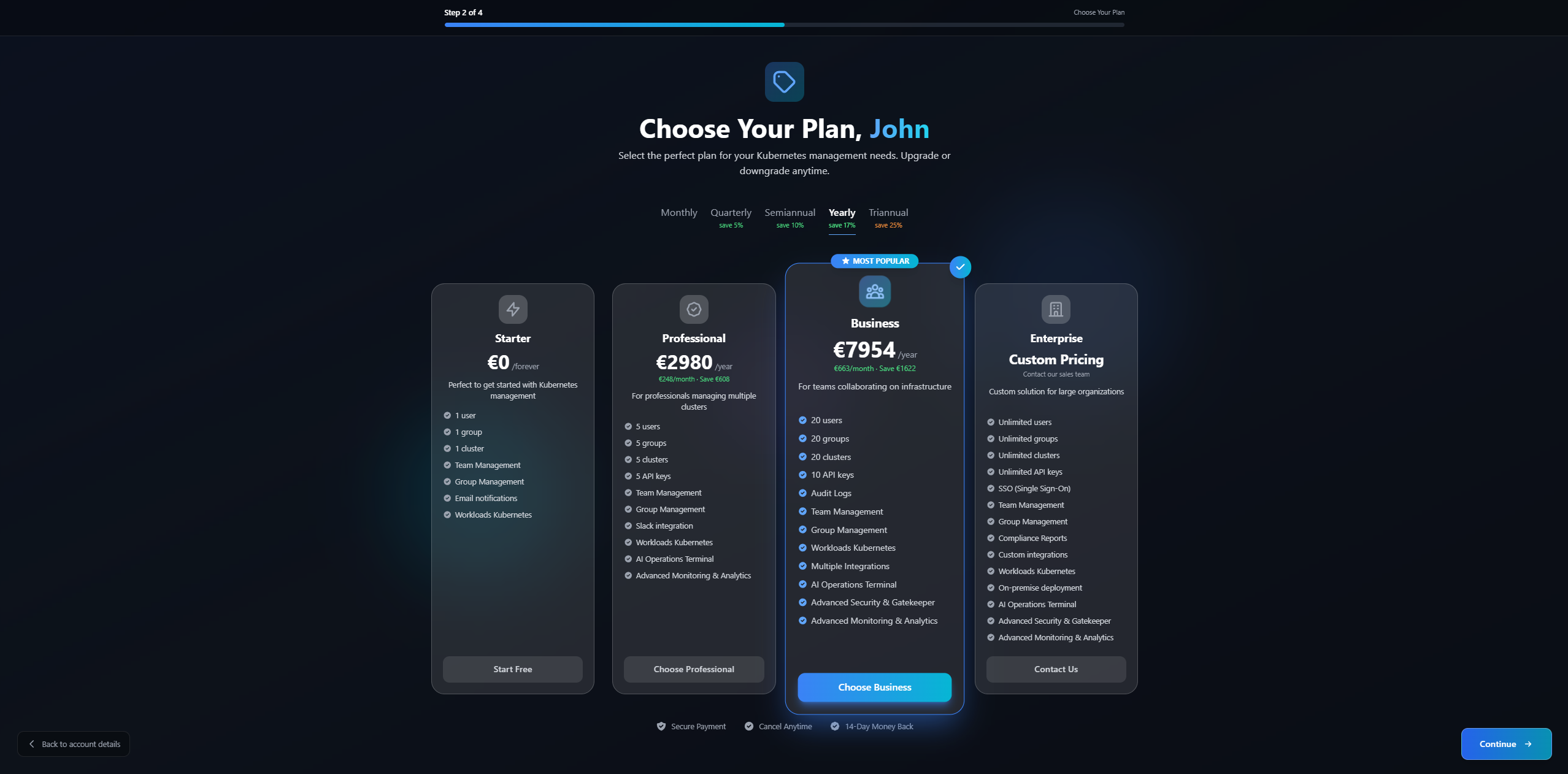
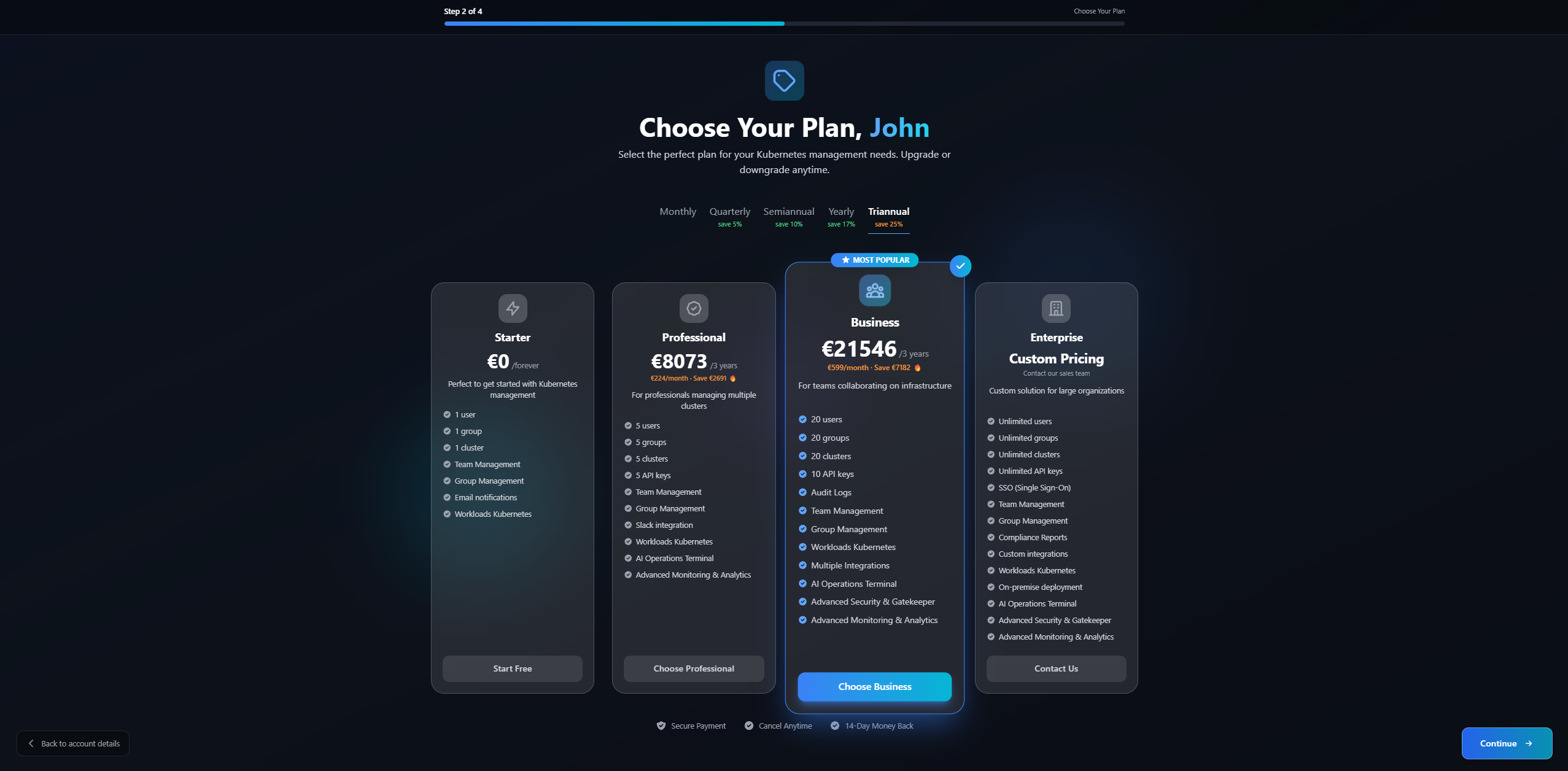
2. Choose Plan
Select the billing cycle and plan that best fits your needs.
The images shown below are for illustrative purposes only. Prices and features may vary. For current pricing, please check the platform directly.
Starter - Free Forever
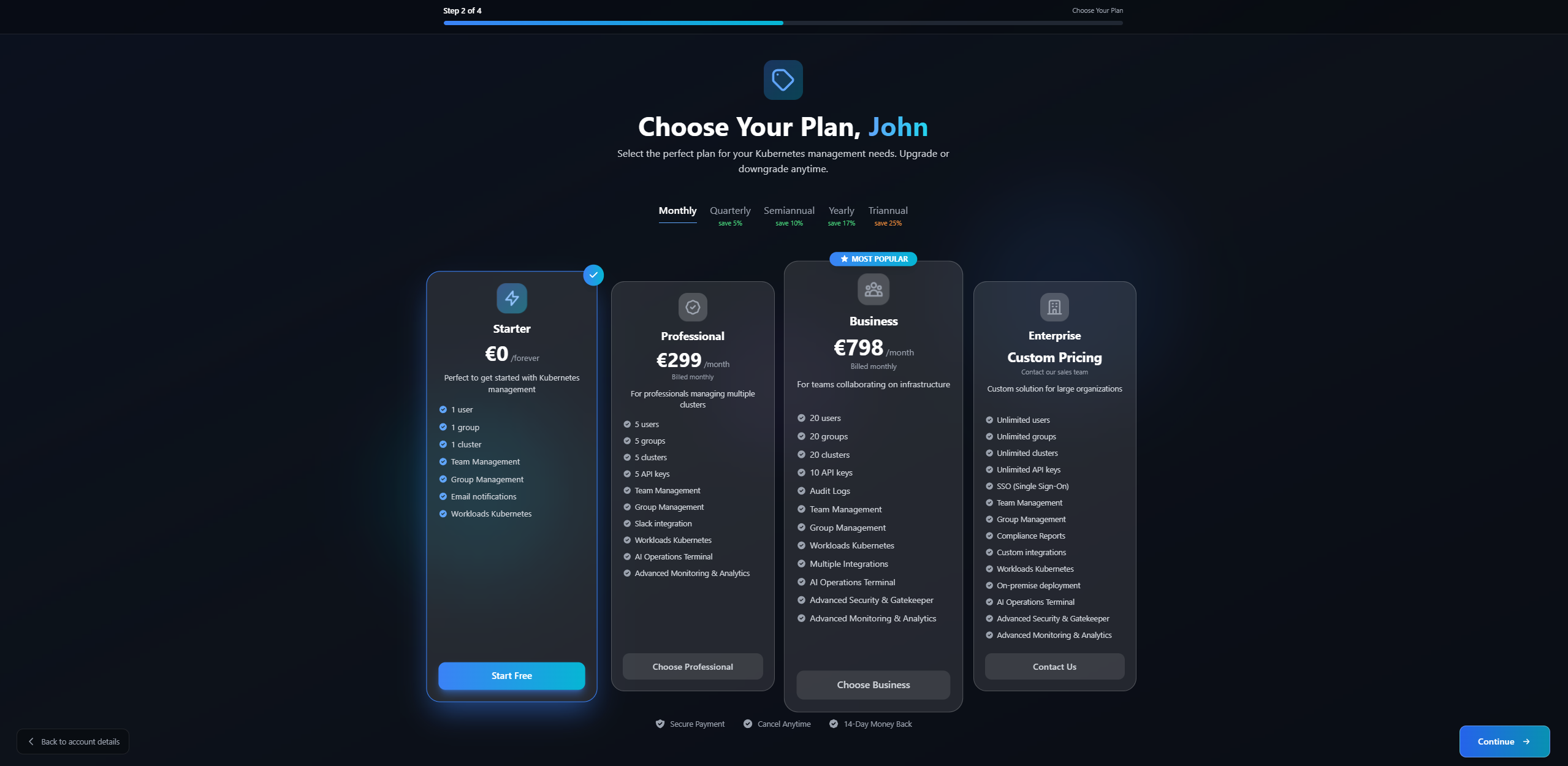
Perfect to get started with Kubernetes management.
Resources:
- 1 User
- 1 Group
- 1 Cluster
Features:
- Team Management
- Group Management
- Email notifications
- Workloads Kubernetes
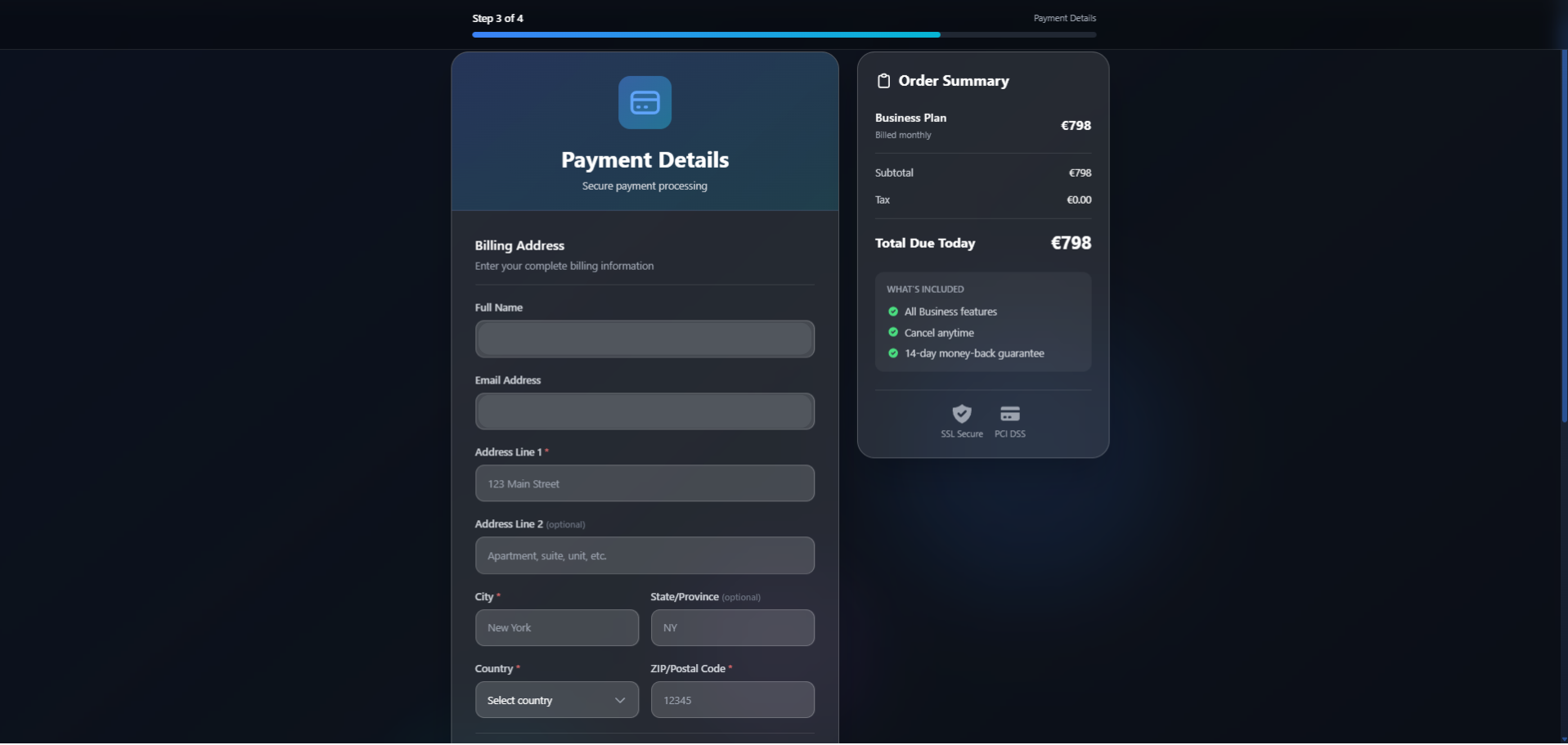
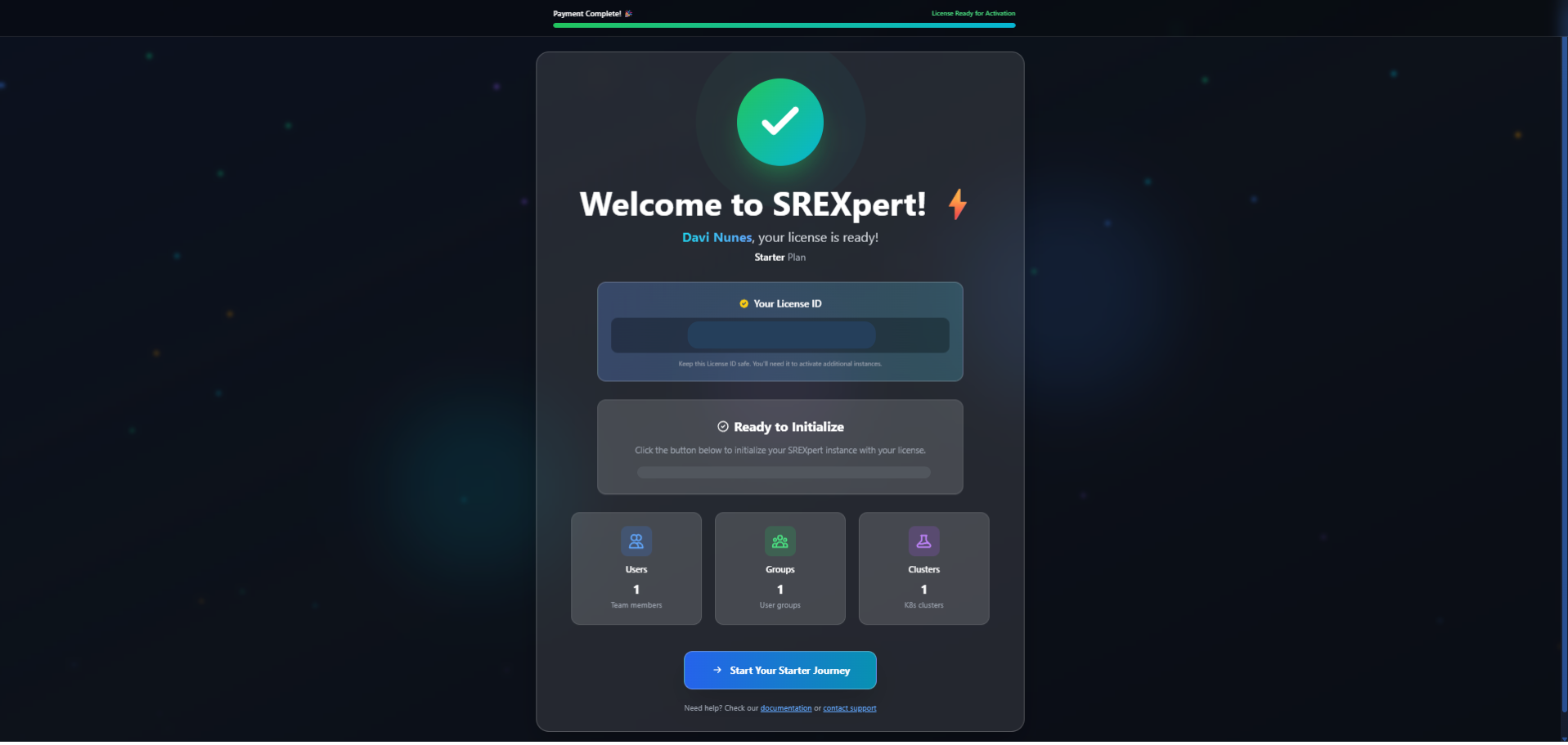
Confirmation
After selecting Starter:
- Your account is activated automatically
- You receive a confirmation email
- Features become available immediately
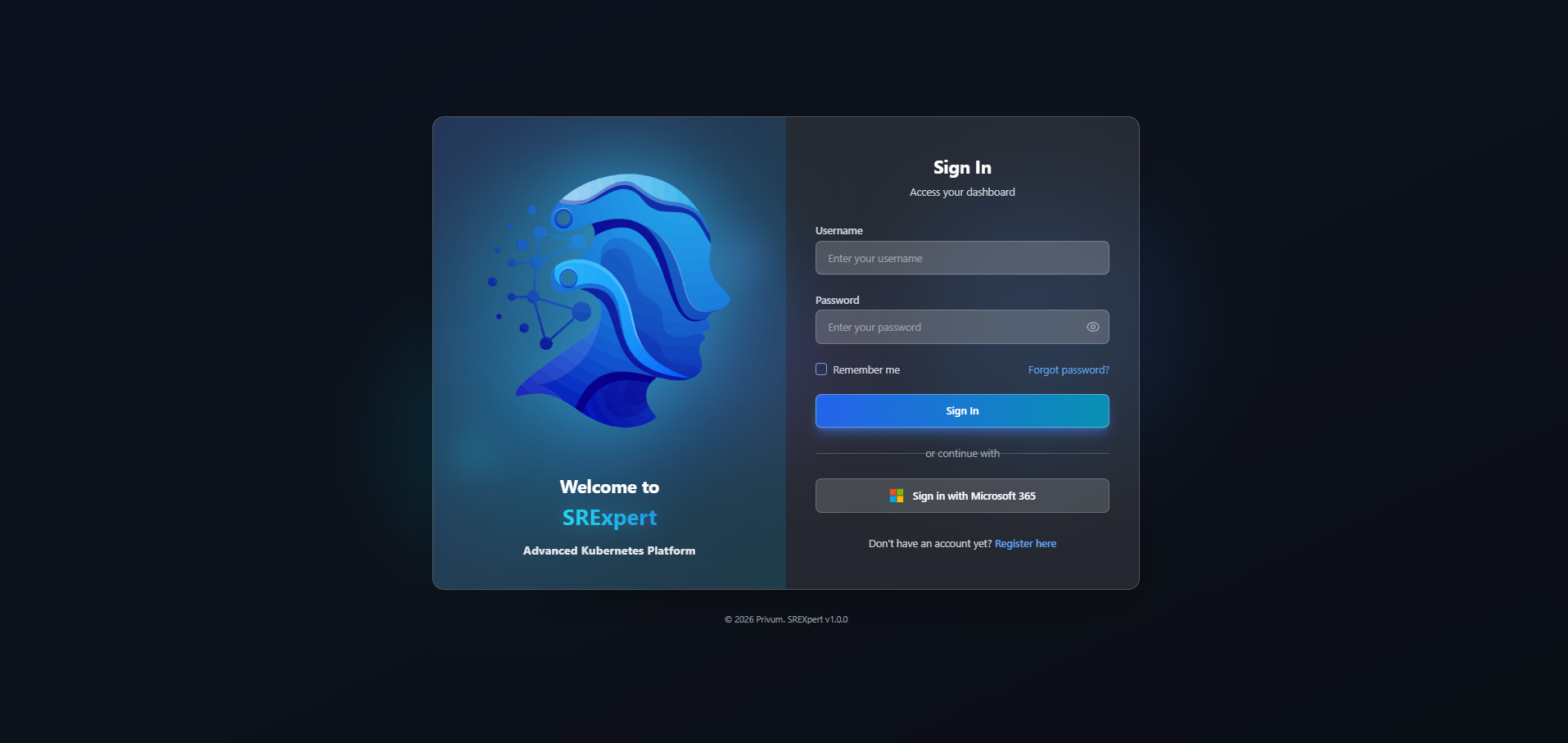
First Login
Now you can access the platform:
- Go to the login page
- Enter your email and password
- You will be directed to the Dashboard
Manage License
After purchase, you can:
- View status of the license in Settings > Billing
- Upgrade to a larger plan
- Downgrade to a smaller plan
- Change billing cycle for better savings
- Cancel the subscription
- View history of payments
Trial/Evaluation
Contact us to request a free trial period.