SRE CLI
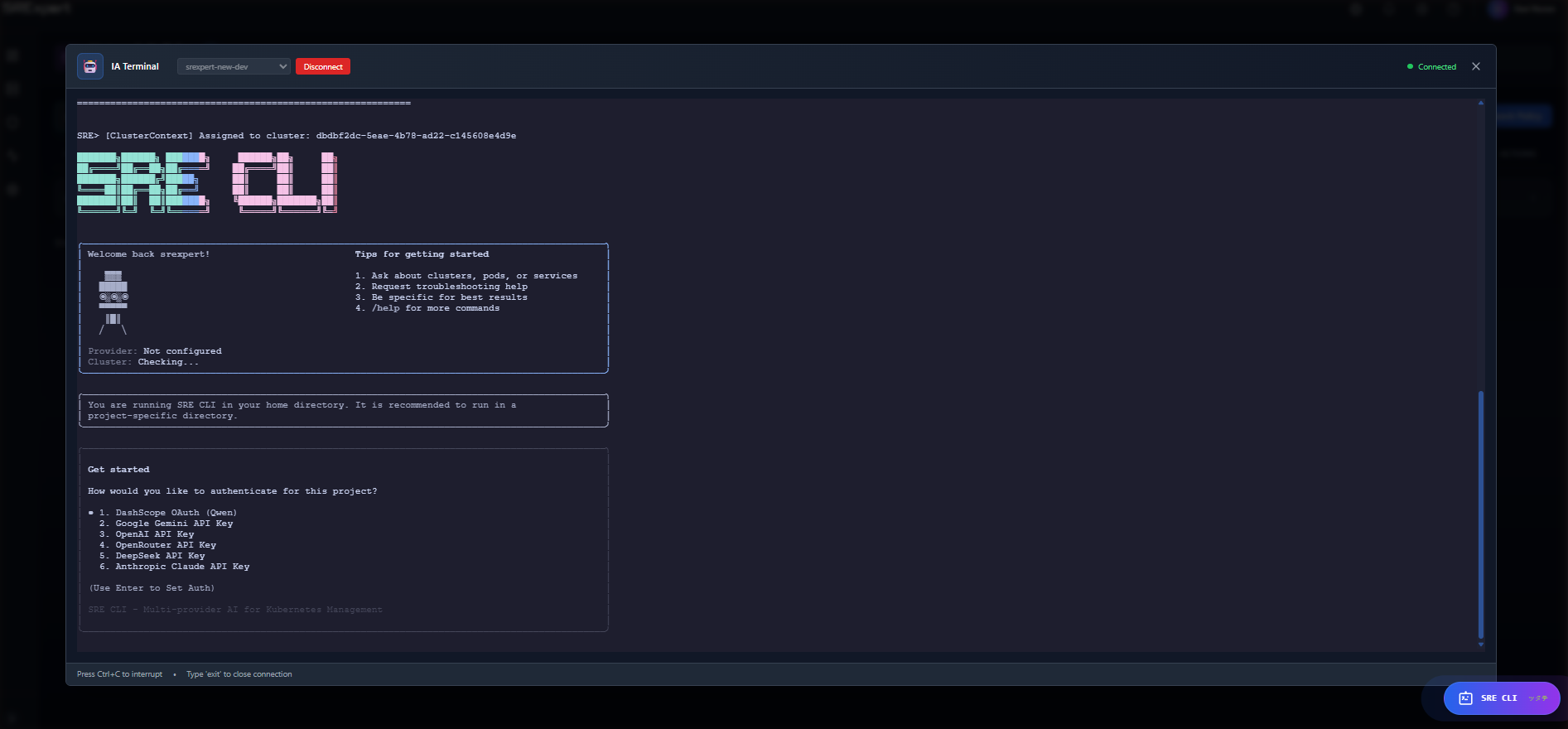
The SRE CLI is an AI-powered assistant built into SRExpert that helps you manage your Kubernetes clusters using natural language.
What is it?
Instead of writing complex commands, you can simply ask questions like:
“What pods are failing in production?”
“Why is the api-gateway restarting?”
“Show me the memory usage of my cluster”
“Run a security scan on the default namespace”
The AI understands your intent and uses specialized tools to get the information or perform the action.
How it Works
The SRE CLI is a chat assistant embedded in SRExpert — there is nothing to install. Open it from the orb in the bottom-right corner of any page:
- You pick the cluster you want to work on and your AI provider.
- You ask a question in natural language.
- The assistant runs as a secure service inside SRExpert and streams the answer back in real time.
- To answer, it calls specialized tools against the selected cluster through SRExpert’s backend, using your own permissions.
The assistant never connects to your cluster directly, and every request is scoped to the cluster you selected — it cannot see data from any other cluster.
Key Features
Natural Language
Ask questions in any language — the AI model supports multiple languages globally. No need to remember command syntax.
90+ Kubernetes Tools
The assistant has access to specialized tools, grouped by category:
| Category | Examples |
|---|---|
| Workloads | Pods, deployments, nodes, namespaces, storage |
| Diagnostics | Describe resources, logs, log search, events |
| Metrics | Cluster / node / pod usage, history and trends |
| Security | Security overview, exposed services, image & pod security |
| RBAC | Roles, bindings, permission analysis, access checks |
| Network Policies | Coverage, conflicts, traffic flow, templates |
| Compliance | Frameworks, results and reports (CIS, NSA, PCI-DSS…) |
| Vulnerabilities | Scans, CVE details, image findings, trends |
| Alerts | List, dashboard, rules, channels, acknowledge / resolve |
| Gatekeeper | Policies, templates, coverage |
| Datasources | List, discover, test Prometheus datasources |
| Memory | Remember and recall findings across conversations |
Multiple AI Providers
Choose your preferred AI provider:
- Anthropic Claude
- OpenAI
- OpenRouter (access to many models)
- Google Gemini
Your provider and API key are configured in your settings (or by your administrator). The key stays on the server — it is never exposed to your browser or to the AI model.
Secure by Design
- Cluster isolation — every request is locked to the cluster you selected; the assistant cannot reach another cluster’s data.
- Account isolation — requests are always scoped to your organization.
- Read-only by default — informational questions never change anything.
- Guarded actions — changes (restart, scan, acknowledge an alert) require an explicit confirmation and a stated intent before they run; nothing is modified silently.
- Credentials stay server-side — the AI never receives your cluster credentials or provider keys.
- Built-in safeguards — loop detection and per-request limits keep sessions predictable.
Requirements
- An SRExpert plan that includes the AI Operations Terminal (Professional and above)
- AI permission enabled for your user
- At least one cluster connected
Next Steps
- Getting Started - Open and use the SRE CLI
- What You Can Do - Full list of capabilities
- Examples - Practical examples