Registration
After installing SRExpert, you need to create your account to start using the platform.
Access the Platform
- Go to your SRExpert URL (e.g.,
https://app.yourdomain.com) - Click Create Account or Sign Up
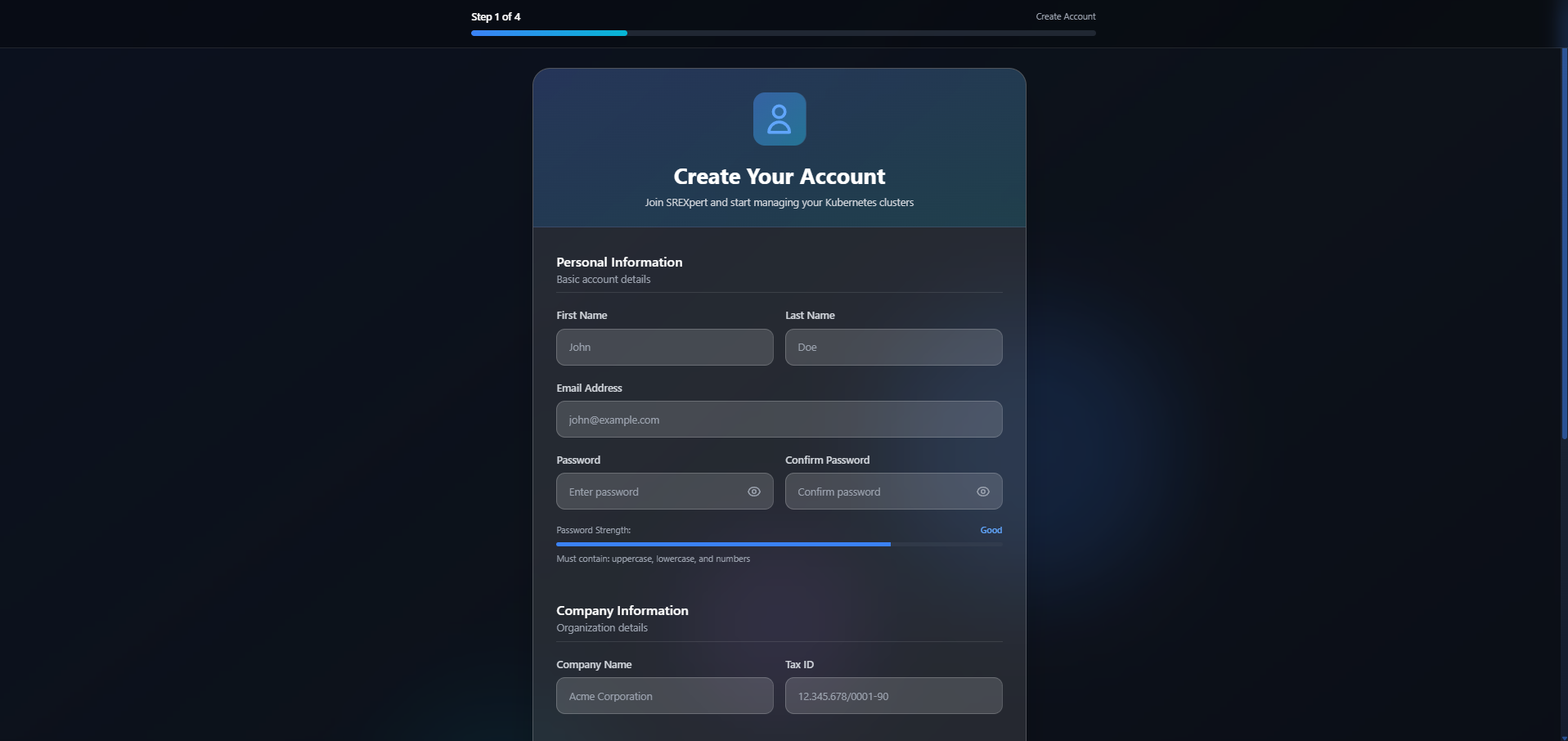
Fill the Form
Fill in the required information:
| Field | Description |
|---|---|
| Name | Your full name |
| Corporate email (will be used for login) | |
| Company | Your company/organization name |
| Password | Minimum 8 characters, with letters and numbers |