Roles
Roles define a set of permissions within a specific namespace. They specify what actions can be performed on which resources.
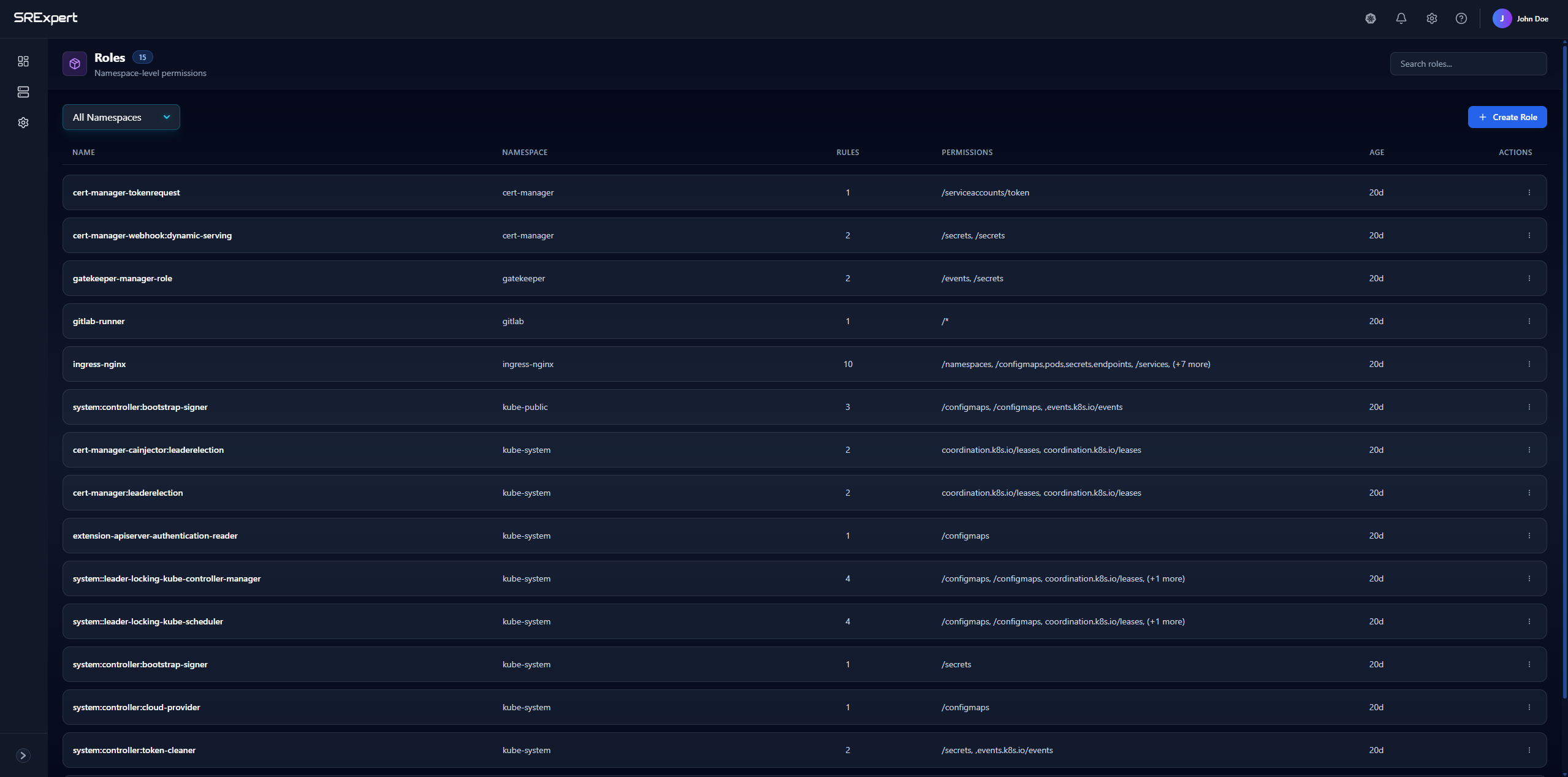
Overview
The Roles tab (under Security > RBAC & Access) displays all roles across your namespaces with the following columns:
| Column | Description |
|---|---|
| Name | The role identifier |
| Namespace | The namespace where the role is defined |
| Rules | Number of permission rules in the role |
| Actions | Edit or delete the role |
Features
Filtering by Namespace
Use the All Namespaces dropdown to filter roles by a specific namespace. This helps you focus on roles relevant to your current work.
Search
Use the search bar to quickly find roles by name.
Create Role
Click + Create Role to define a new role with custom permissions.
Creating a Role
When creating a role, you’ll specify:
- Name - A unique identifier for the role
- Namespace - Where the role will be created
- Rules - Permission rules that define:
- API Groups - The API group containing the resources (e.g.,
""for core,apps,batch) - Resources - What resources to grant access to (e.g.,
pods,services,deployments) - Verbs - What actions are allowed (e.g.,
get,list,create,update,delete)
- API Groups - The API group containing the resources (e.g.,
Example Role
A role that allows reading pods and services:
apiVersion: rbac.authorization.k8s.io/v1
kind: Role
metadata:
  name: pod-reader
  namespace: default
rules:
- apiGroups: [""]
  resources: ["pods", "services"]
  verbs: ["get", "list", "watch"]
Common Use Cases
- Read-only access - Allow viewing resources without modification
- Developer access - Allow creating and managing deployments in specific namespaces
- Operator access - Allow managing specific custom resources