Security Exceptions
Manage security exceptions and exemptions for compliance checks that don’t apply to your environment.
Overview
Security Exceptions allow you to document and track intentional deviations from security compliance checks. When a compliance check fails but is acceptable for your use case, you can create an exception to acknowledge and track it.
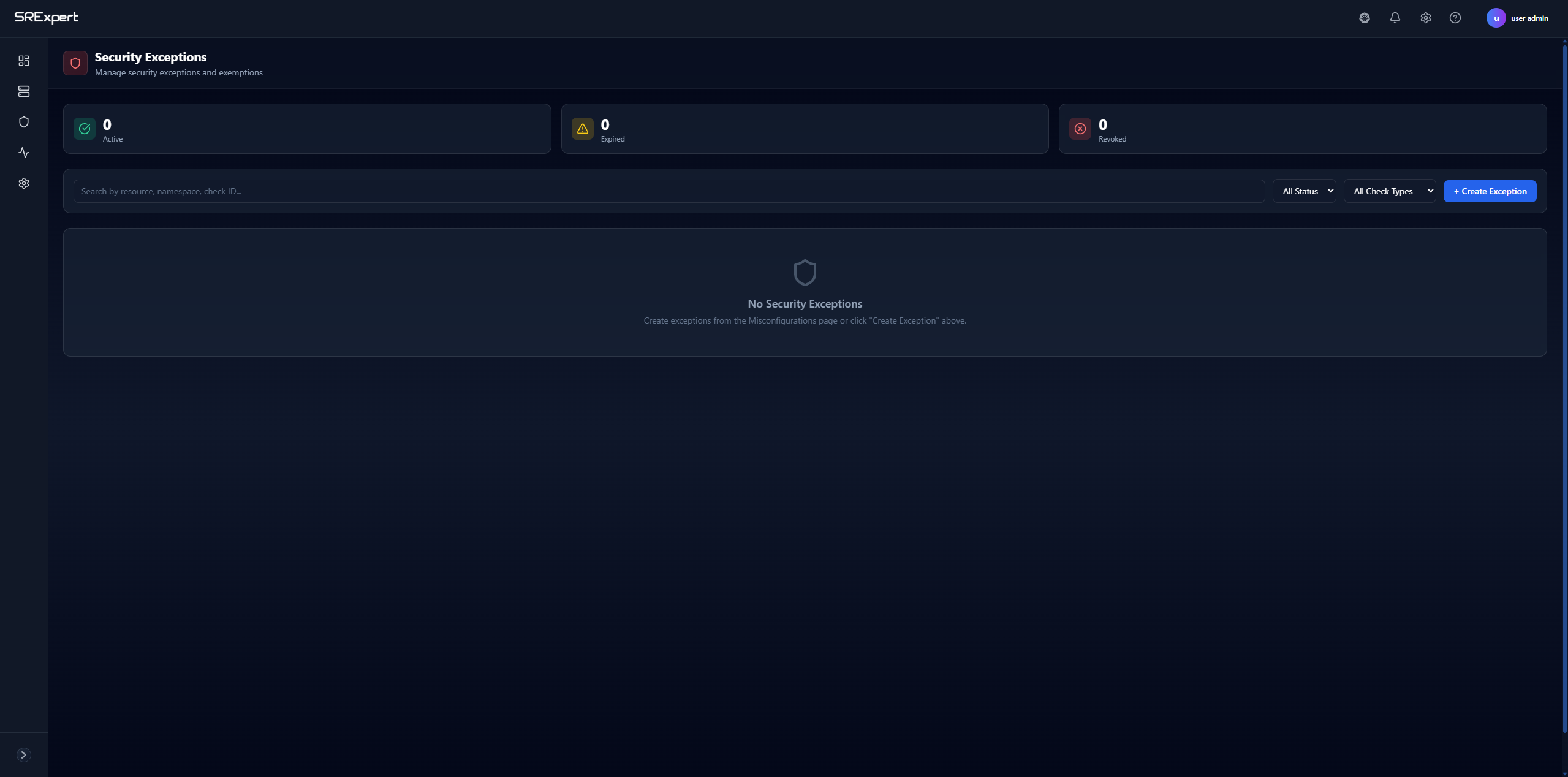
Scoped per cluster: Exceptions are managed per cluster. Use the cluster selector at the top of the page to choose a specific cluster, or select All clusters for an aggregated view. The page header also shows status counters for Active, Expired, and Revoked exceptions.
Exception Status Types
| Status | Description |
|---|---|
| Active | Currently valid exceptions |
| Expired | Exceptions that have passed their expiration date |
| Revoked | Exceptions that were manually revoked |
How to Use
There are two ways to create an exception — both are valid:
Option 1: From the Security Exceptions page
- Navigate to Security > Security Scanning > Security Exceptions
- Click the + Create Exception button
- Fill in the exception details:
- Select the check to exempt
- Provide justification
- Set an expiration date (optional)
- Submit the exception
Option 2: From a failed check on the Misconfigurations page
You can also create exceptions directly from a failed compliance check:
- Go to Security > Security Scanning > Misconfigurations
- Find the failed check you want to exempt
- Create an exception for that specific check
Managing Exceptions
- Search - Use the search bar to find exceptions by resource, namespace, or check ID
- Filter by Status - Filter by exception status: All, Active, Expired, or Revoked
- Filter by Check Type - Filter by the type of check the exception applies to: Compliance, Misconfiguration, or Gatekeeper
Best Practices
- Document Justification - Always provide clear reasons for exceptions
- Set Expiration Dates - Don’t let exceptions live forever
- Regular Review - Periodically review active exceptions
- Minimize Exceptions - Only create exceptions when truly necessary
- Track Expired - Follow up on expired exceptions
Use Cases
| Scenario | Example |
|---|---|
| Legacy Applications | App requires elevated privileges temporarily |
| Testing Environments | Dev/staging with relaxed security |
| Third-party Requirements | Vendor software with specific needs |
| Planned Remediation | Known issue with fix in progress |
Next Steps
- Misconfigurations - View compliance checks
- Secrets Scanning - Find exposed credentials