Configuration
After activating your license, configure the basic SRExpert options.
User Settings
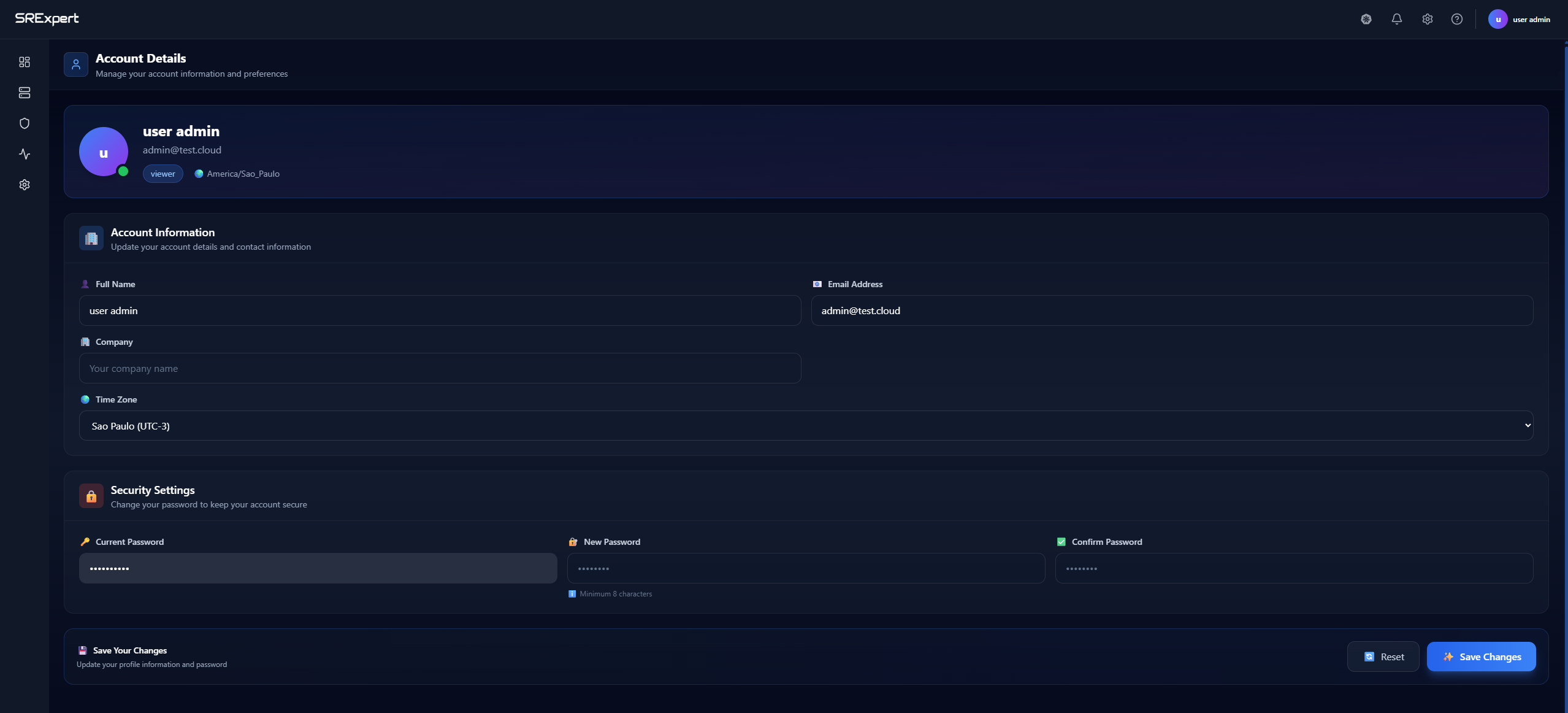
Access your profile by clicking your avatar in the top-right corner and selecting Profile.
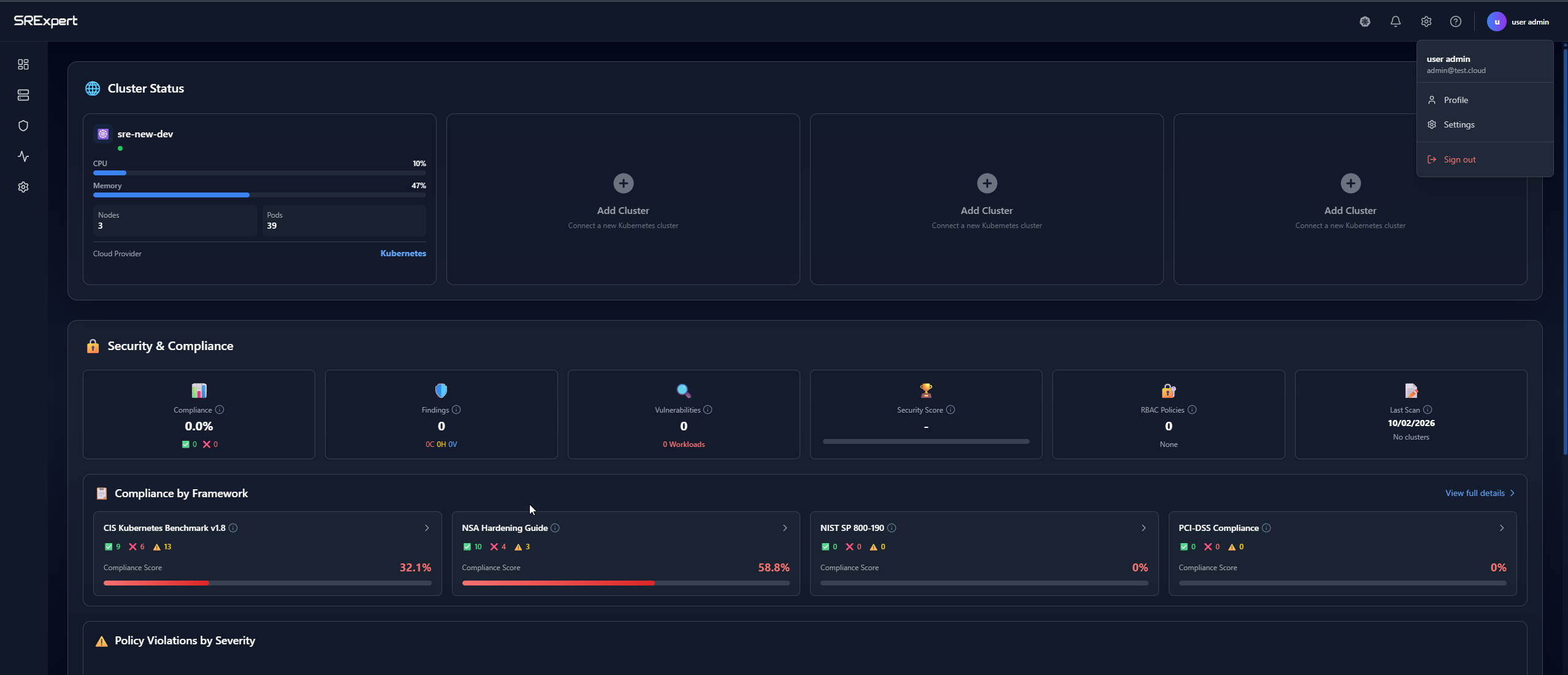
| Section | Fields | Description |
|---|---|---|
| Account Information | Full Name, Email, Company, Time Zone | Your account details |
| Security Settings | Password | Change your login credentials |
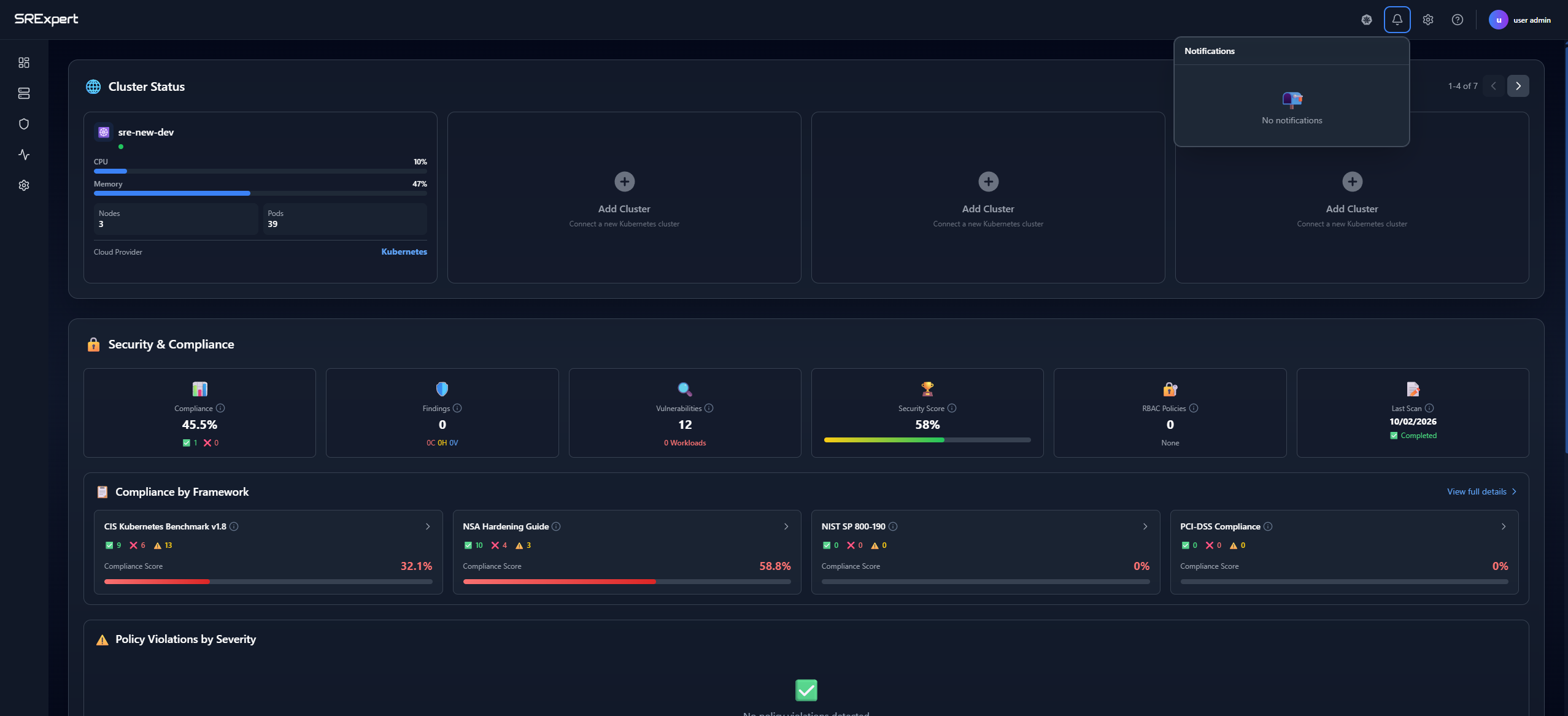
Tip: Click the bell icon in the header to view your platform notifications.
Organization Settings
Access Settings in the sidebar.
| Section | Fields | Description |
|---|---|---|
| General | Organization name, Timezone, Language | Basic organization preferences |
| Users and Groups | Members, Roles | Manage team access and permissions |
| SSO Integration | Microsoft Entra ID, Google OAuth | Configure SSO |
User Permissions
| Role | Description |
|---|---|
| Admin | Full access to all features and settings |
| Editor | Can modify resources but not settings |
| Viewer | Read-only access |
Alert Settings
To configure alerts and notification channels (Slack, Teams, Email, etc.), see Alerts & Notifications.